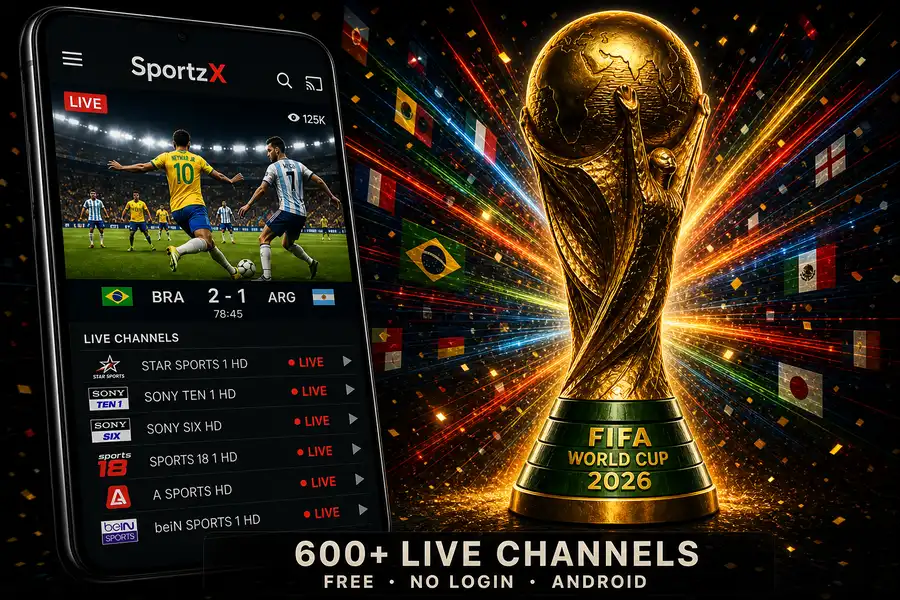
FIFA World Cup 2026 kicked off on June 11 and runs through July 19 — 48 nations, 104 matches, three host countries. Most of those matches sit behind pay-TV packages, regional sports subscriptions, or geo-locked streaming services that cost anywhere from $15 to $80 a month. SportzX is the free alternative: a 600+ channel live TV app for Android that carries the sports networks broadcasting World Cup matches, with all ads stripped out and no account required.
This guide covers what SportzX gives you, how to install it, how to find and watch World Cup matches inside the app, how to cast to your TV, and what to do when a stream doesn't load.
World Cup 2026 at a Glance
- Teams: 48 nations (expanded from 32 for the first time in World Cup history)
- Matches: 104 total (up from 64 in 2022)
- Host countries: United States, Canada, Mexico
- Group stage: June 11 – June 26
- Round of 32 & knockout rounds: June 29 – July 15
- Final: July 19, 2026 — MetLife Stadium, New Jersey, USA
With 104 matches across 38 days, there is at least one match per day throughout most of the tournament — making a reliable free streaming app worth setting up now rather than the night before a big game.
FAQ: Watching World Cup 2026 Free on Android
Does SportzX show World Cup 2026 matches live?
Yes. SportzX includes 600+ live channels covering football and international sports. It carries major sports networks that broadcast World Cup 2026 matches live. Channel availability depends on your region — some international feeds may require a VPN if your local sports channels are geo-restricted.
Is SportzX safe to install on Android?
Yes. The SportzX MOD APK on MODDROID has been manually tested for malware and verified to work on Android 5.0+. No root is required — enable Install Unknown Apps once and you're done.
Do I need a VPN to watch the World Cup on SportzX?
Not always. Most regions can access sports channels directly without a VPN. If a specific channel is geo-restricted in your country, connecting through a VPN server in a supported region unlocks it. Planet VPN and Proton VPN are both available free on MODDROID.
Can I cast SportzX to my TV to watch the World Cup?
Yes. Cast via Chromecast, use your phone's built-in screen mirroring (Samsung Smart View, Miracast, or similar), or connect via USB cable to a TV that supports USB Display. The cast icon in the SportzX player also works directly with Chromecast-enabled TVs.
What if the stream keeps buffering during a match?
Switch to an alternative stream source for the same channel — SportzX often lists multiple. Lowering the quality from HD to SD also eliminates most buffering on slower connections. Big matches (knockouts, Final) attract the most viewers — connecting 10 minutes early gets you a stable stream before congestion builds.
Why doesn't SportzX work on my device?
SportzX v2.5 has compatibility issues on a small number of Android devices. If it crashes on open, try a clean reinstall. If the problem persists, use HD Streamz as an alternative — it has broader device compatibility and a similar sports channel library.
Related on MODDROID
- HD Streamz — app page and alternative live TV
- HD Streamz Not Working on Android — Fix Guide
- Planet VPN — free, no account, 60+ countries
Watch World Cup 2026 live — free on Android, no subscription
Get SportzX — Free APK on MODDROID